Sunday, February 23, 2014

Learning Linux

It can't be too difficult...

     My daughter, now 7, has surprised me in a few different ways recently on my computer... there is no doubt that she has picked up quite easily how to get around the Ubuntu system. Several times now after she has been on the computer I have had to "re-set" some settings that she has changed while goofing around with her on-line games.
     Don't get me wrong... I am very pleased that she has grown up with an open source Operating System rather than a restricted OS like Windows.... But... I guess it is time to create her own account login so she will stop "altering" mine. :P
     I can only hope that her interest in Linux does not fall when she has to be subjected to Windows in school... I certainly hope she doesn't take Windows too seriously anyway.

Saturday, February 22, 2014

Directly In Front Of You

Wallch 3.6 Running on Ubuntu 12.04 LTS


The new version of Wallch has wallpaper clocks available for installation. It is a really great idea and one I was looking forward to giving a spin. The choices are limited (although I expect that as more people start playing around with it there will be more to choose from). These particular ones struck my fancy... I like it.

Isn't it human nature though... I still find myself looking up to the right hand corner of the dock to see what time it is!   LOL.

Hats off the the Wallch crew for a fine job!

Friday, February 21, 2014

Monday, February 17, 2014

Google Drive

Thanks to the guys at NoobsLab

Ubuntu 12.04 now has a Google Drive app that works flawlessly. Grive is an unofficial app which only supports Ubuntu 12.10 and newer but it works great following the steps here at the NoobsLab site for those running Ubuntu 12.04 Precise.
 

You can visit The Fan Club who has put the package together and if you are running 12.10 or newer their site is all you need.

To install Grive & Grive-Tools in Ubuntu 12.04 32Bit Precise/Linux Mint 13 open Terminal (Press Ctrl+Alt+T) and copy the following commands in the Terminal:


After installation in Ubuntu 12.04/its derivatives open terminal and type sudo grive-setup to configure Google Drive account for Grive.
That's it

This is not the current release of Grive as the current build will not work on 32Bit systems due to dependency issues. This should be fixed in future releases.

Sunday, February 16, 2014

A Quote From Me


I really don't expect anything from this but for legal reasons I must. If anyone wishes to use this for other than personal use... please don't without contacting me first... I do have the original without the watermark if there is interest.

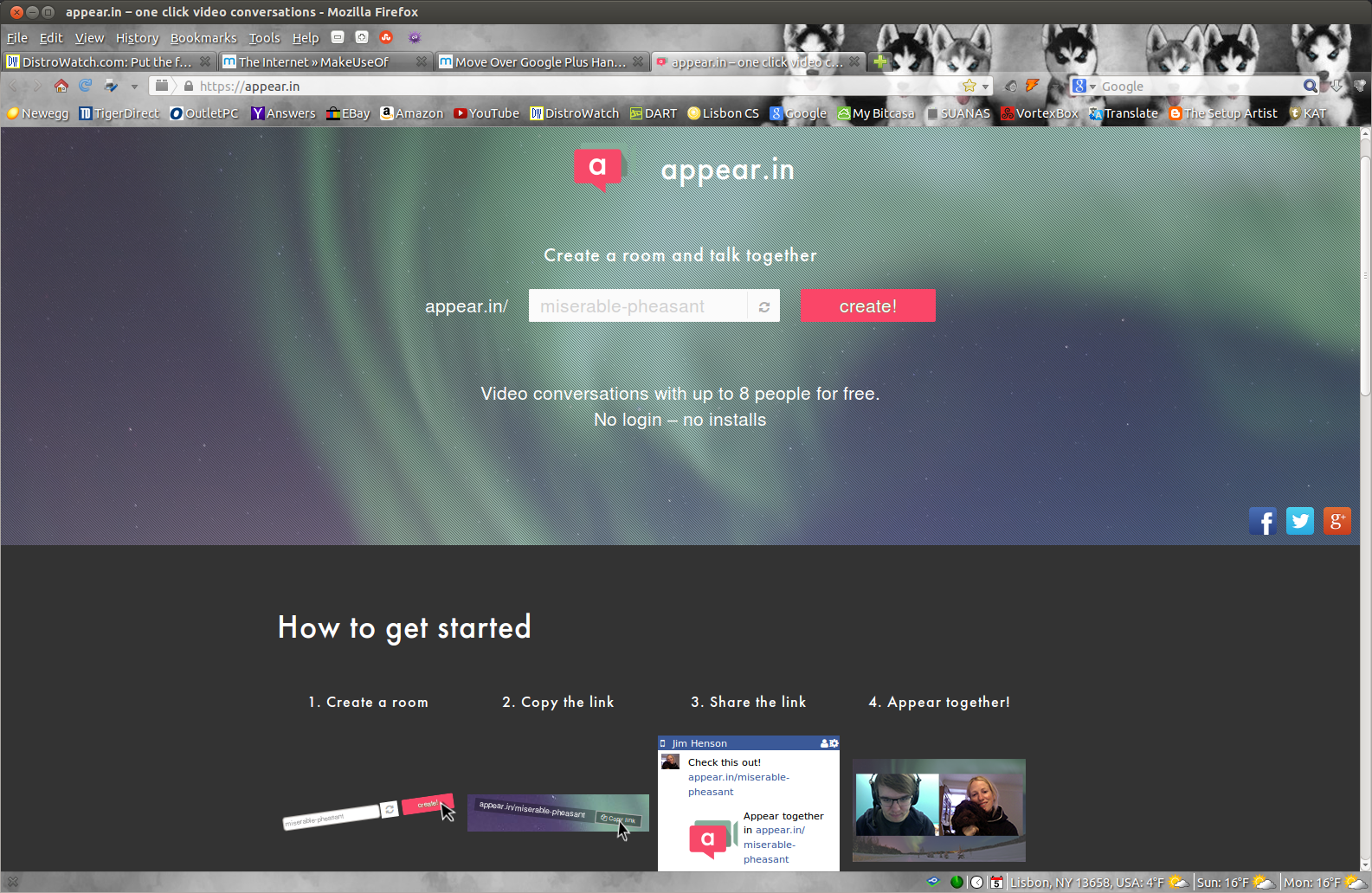
Move Over Skype, Get Outta' The Way GooglePlus Hangouts!

Appear.In - One Click Video Conversations

New to the scene and Free for up to 8 people in one chat.

No Logins... No Installations. If you all ready use Mozilla Firefox or Opera you have all you need... as of right now they are the only two web browsers that are supported.

https://appear.in/

The appear.in homepage says it all.

Friday, February 14, 2014

Take The Tour


Experience the simplicity of Ubuntu’s stylish and intuitive interface with our online interactive tour. Explore how to browse email, surf the web, view photos, create documents and find apps.